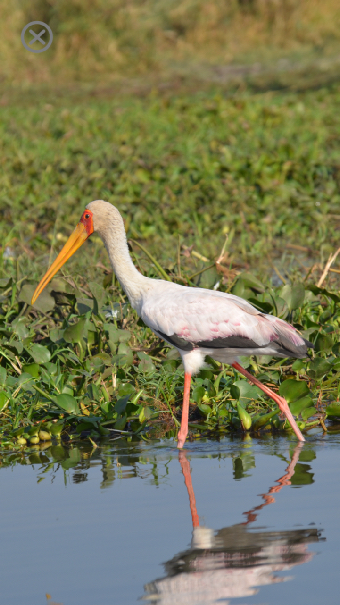
The full screen image shows the photograph scaled to fit the screen in portrait orientation.
-
Rotate the device for landscape or portrait orientation
-
Pinch on the image to zoom in or out.
-
Double tap to zoom in to maximum size or zoom back out to fit the screen.
-
Drag to move the zoomed image.
-
Tap
 to dismiss the image.
