
My Bird Album
The gallery is the opening screen for the app and displays the thumbnails that represent your photographs.
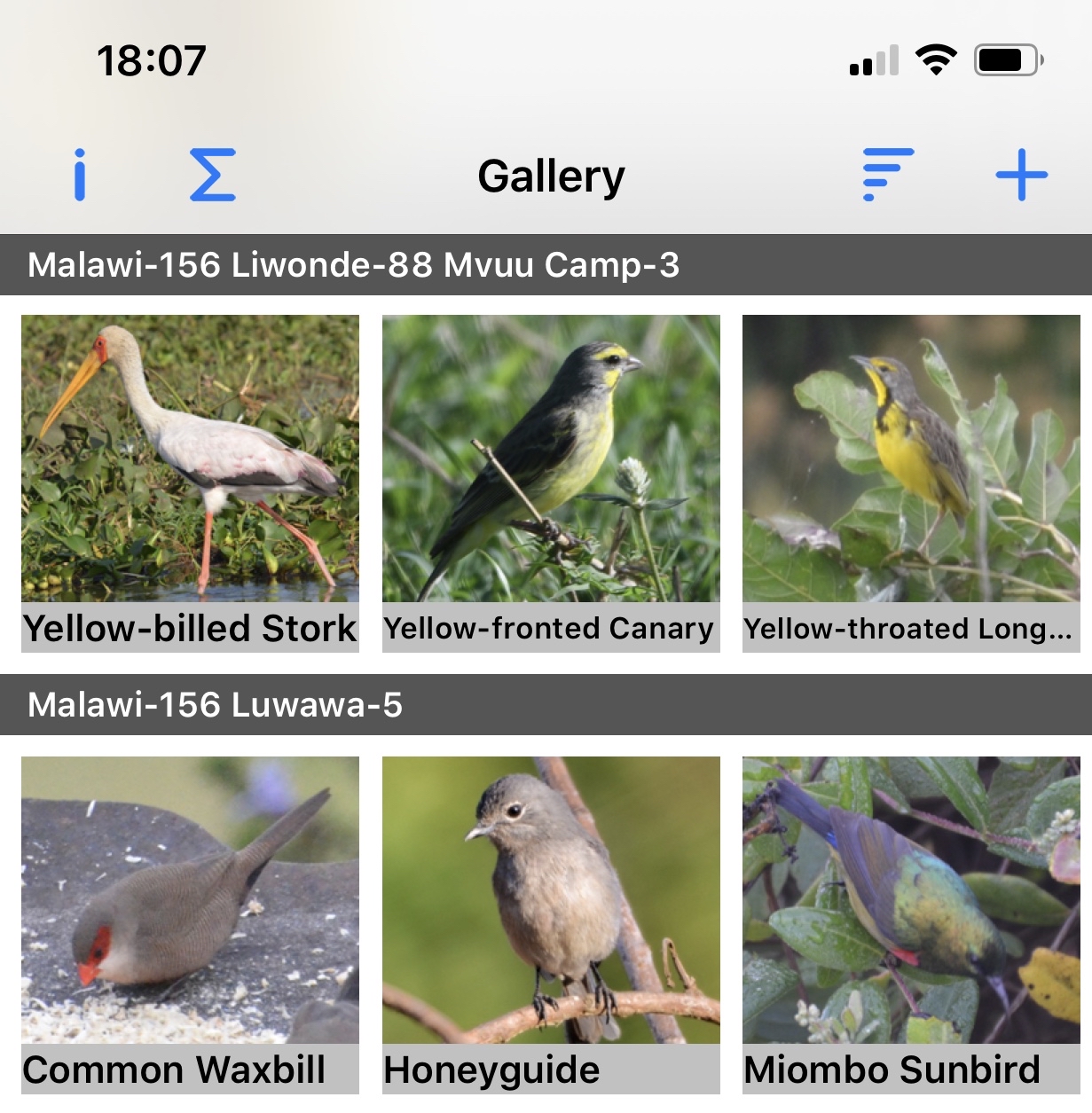
Tap on a thumbnail to show the photograph and information associated with it.
A long press on a thumbnail selects the first sighting to be shown on the Compare Birds screen. The background for the nickname will turn red, as will the Gallery title, to remind you that you are selecting sightings for comparison. Tap a second thumbnail to open the comparison screen. To clear the comparison, Tap or long press on the same bird, open the Sort Order popover or create a new entry.
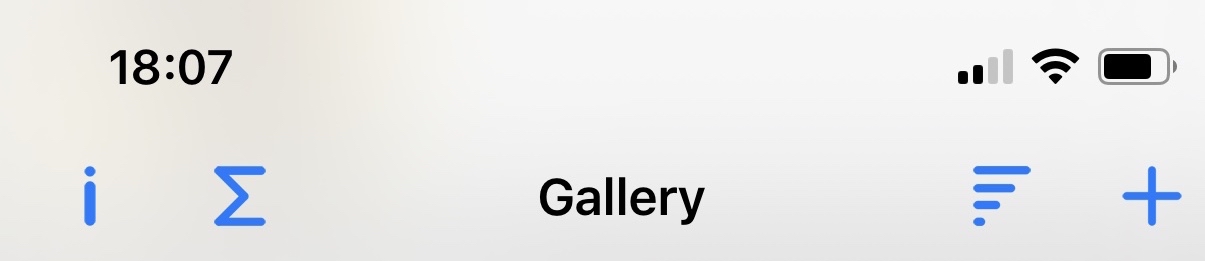
Navigation bar icons:

|
Information - Displays copyright and support information. |

|
Statistics - Provides information about your photograph collection. |

|
Sort order - Enables you to select the information that will be used to sort the gallery. |

|
New Sighting - Opens a form where you can construct an entry for a new sighting. |